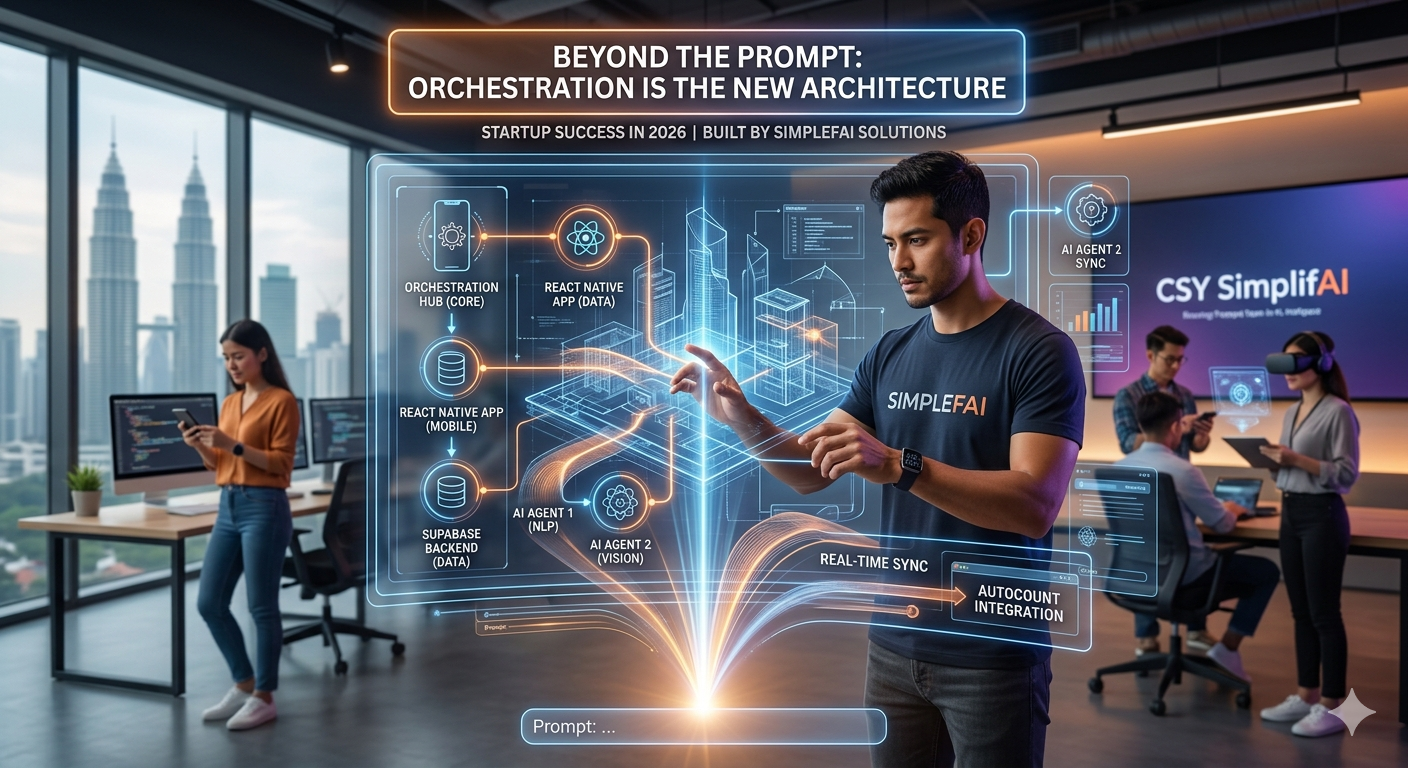
An AI browser agent is a system that can navigate a real web page, act, and check that the action worked. Most “computer use” demos look impressive until you try to run them tomorrow. The agent stares at a screenshot, clicks something plausible, burns tokens, and drifts. Useful browser work—booking, filling forms, moving data through a logged-in UI—needs a different shape: perception you can inspect, actions you can replay, and a loop you can write down.
That framing is inspired by Corey Gallon’s essay on teaching agents to use websites like humans. The useful part for product teams is not theatrics. It is the engineering: a command-line interface, the Chrome DevTools Protocol (CDP) as the control plane, and a disciplined Sense–Act–Verify loop that you later freeze into code or an agent skill.
This post is for authorized automation—your product, your staging site, a session you already own, or research you have permission to run. Pages that fight back are often doing their job. Treat those walls as product and legal constraints, not puzzles to reverse-engineer. The same “start simple” rule we use for workflows vs agents applies here: keep the model off the deterministic path.
CLI, CDP, and an Encoded Loop
Reliable AI browser agents are three pieces, not a magic tool: a CLI the agent can compose into a script, CDP as the browser control plane, and a loop you encode after the first success. Capability is not the differentiator. Reuse, speed, and cost are.
In the talk he cites, CLI and MCP tools reached similar success rates on the same task. The CLI path used far fewer round-trips and finished much faster, because a model was not sitting in the middle of every step. Anthropic has also reported that executing code instead of routing every action through MCP can be dramatically cheaper in tokens. You do not need the exact multiples to believe the architecture: if the sequence is known, run a program.
- CLI: shell tools the agent can call, then compose into a script. Write the sequence once; replay it a thousand times without a model in the loop.
- CDP: the same protocol Chrome’s own DevTools uses. Navigation, DOM, network, input, and screenshots live here. Playwright and Puppeteer already speak it; an agent can too.
- A loop you encode: explore until the path works, then capture it as code or a skill so discovery does not restart on every run.
MCP is still fine for interactive tooling and one-off exploration. Production browser work wants the cheap path: tools that return structured results, plus scripts that do not ask a model “what next?” for every keystroke.
Why Screenshot-Only Computer Use Agents Fail
A screenshot-only computer use agent is flying on one noisy sensor. CDP gives you several, and production loops should mix them:
- See structure: the DOM tells you what exists, what is disabled, and what just appeared after a click.
- See meaning: the accessibility tree is often a cleaner map of buttons, labels, and roles than raw HTML.
- See pixels: a screenshot when the UI is canvas-heavy, visually ambiguous, or not represented well in the tree.
- Hear the page: network requests, console messages, and logs. A “success” click that never fires the expected API is not success.
- Operate: navigate, type, click, select—then immediately sense again.
You do not need CDP’s full surface area. A small subset covers most human-like page use: document and accessibility snapshots, screenshots, network, and input. The rest is there when a workflow actually needs it (downloads, performance, storage, and so on).
The practical rule: never verify an action with the same channel that performed it. If you clicked in the DOM, confirm with the network or the screenshot. If you typed into a field, confirm the value and the downstream request, not the keystroke event.
The Sense-Act-Verify Loop for Browser Automation
The loop is almost boring, which is why it works:
- Sense where you are, through one or more channels.
- Act once—one click, one field, one navigation. Bundling five guesses into a single step is how agents lose the plot.
- Verify on a different channel. Did the URL change? Did the row appear? Did the request return 200 with the payload you expected?
If verification fails, you do not “try harder” with a longer prompt. You diagnose: wrong selector, stale snapshot, timing, permission, or a UI that simply ignores the kind of action you sent. Then you either retry with a better observation or you escalate the interaction style.
This is the same evaluator–optimizer instinct we use in other agent systems, except the environment is a browser. Ground truth comes from the page, not from the model’s confidence.
When to Escalate Browser Interaction Complexity
Not every task needs a cinematic mouse. Start cheap. Climb only when the current rung cannot close the loop. Think of it as a reliability ladder for work you are allowed to do:
1. Treat the UI as a scriptable surface
If a control is a normal button or input, drive it the simple way: fill the field, submit the form, call an in-page action the product already exposes. Many internal tools and webmail UIs are this easy. The logged-in browser session is sometimes the only “API” a team can use when a formal integration needs procurement you do not have—on software the company already licensed for that person.
2. Use real browser input when synthetic actions no-op
Some pages ignore JavaScript-dispatched events and only respond to input that came through the browser’s own input path. CDP is how DevTools, Playwright, and similar drivers already do that. For authorized flows, this is a robustness step: the agent uses the same control plane the browser uses, not a fake event the page is free to drop.
3. Add richer observation when the UI is visual
Canvas widgets, unlabeled icons, and messy layouts may need a screenshot plus a short model look—then deterministic code to type or click the thing you identified. Keep the model on the part that needs eyes. Keep the driving in code so the loop stays fast and repeatable.
Write down which rung closed the loop. Next run should start there, not rediscover the ladder from scratch.
Explore Once, Encode the Browser Path Forever
The durable pattern is two-phase:
- Explore: a human or an agent walks the loop, climbing rungs, until the task actually completes on a real page.
- Encode: turn that path into a script, a fixture, or an agent skill—selectors, waits, assertions, and fallbacks included.
After that, the model’s job shrinks. It may still draft the email body or choose which SKU to pick. It should not re-plan every click. That split—deterministic driving, sparse model calls—is also why a CLI beats an always-on MCP round-trip when the workflow is known.
Gallon’s open-source chrome-agent is one implementation of “CDP plus senses plus a loop.” You can also stay on Playwright, Puppeteer, or a hosted browser and apply the same methodology. The tool is interchangeable. The loop is not.
Guardrails for Production Browser Agents
Browser agents are powerful because they sit in a real session. That is exactly why they need product rules, not just clever selectors:
- Permission first. Automate properties you own, environments you control, or third-party products whose terms allow the workflow. “It loaded in my browser” is not a license to scrape or to batter someone else’s defenses.
- CAPTCHAs and bot walls are not a product feature to defeat. If a vendor requires a human check, that is a signal to use an official API, a partnership, or a human-in-the-loop handoff—not a challenge to optimize against.
- Sandbox and audit. Restrict origins, log every action, cap retries, and pause on payment, deletion, or permission prompts.
- Prefer APIs when they exist. A UI-driven loop is a bridge. A stable API is usually cheaper and less brittle once the business relationship allows it.
If your agent cannot complete a task without impersonating a human against a system that is trying to keep non-humans out, stop and change the integration strategy. That is the adult version of “the page is fighting back.”
FAQ: AI Browser Agents and CDP
What is CDP in an AI browser agent?
CDP is the Chrome DevTools Protocol—the same control plane Chrome’s own DevTools uses. Navigation, DOM, network, input, and screenshots live here. Playwright, Puppeteer, and production browser agents already speak it.
Why shouldn’t every click go through the model?
If the sequence is known, run a program. Putting a model in the middle of every keystroke burns tokens, adds latency, and makes the path unreproducible. Explore until the path works, then encode it as a script or skill.
Is a screenshot enough for computer use agents?
No. Never verify an action with the same channel that performed it. Mix DOM, accessibility tree, network, and pixels. A “success” click that never fires the expected API is not success.
The CSY Takeaway
Browser agents fail for the same reason other agent demos fail: too much model in the loop, too little structure around tools, and no encoded path after the first success. Give the system a CLI. Drive the browser through CDP’s senses. Run Sense–Act–Verify. Climb interaction complexity only when verification fails. Then freeze the working path.
That is the same ladder we use everywhere else in agentic product work: start simple, add machinery when it pays off, and keep the model off the deterministic path.
At CSY SimplifAI Solution, we help startups turn messy UI workflows into orchestrated systems—scripts and skills on a real browser where needed, APIs and backends where they belong, and human checkpoints where risk is high. If you are past the screenshot demo and need an agent that can finish the job the same way twice, let’s design the smallest loop that still ships.